Company
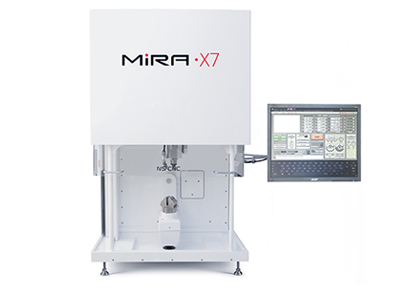
JewelryCAM is a 5-axis CAM program built exclusively for the Mira Mill family. Native Rhino 3D plugin. You set up the job; it builds the cut. No G-code and no CNC-machining background needed.
JewelryCAM sits in the middle of a four-step chain that takes a Rhino model to a wax part ready for casting. Every transfer is handled by software - no file conversion, no manual G-code, no intermediate formats.
Bring CAD, STL, or STEP straight into JewelryCAM.
5-axis CAM from ModuleWorks builds the cut.
Simulate stock, fixtures, and collisions first.
Run the job, then measure the part against spec.
From 3D model to machine file - you set up the job, the program builds the toolpath.
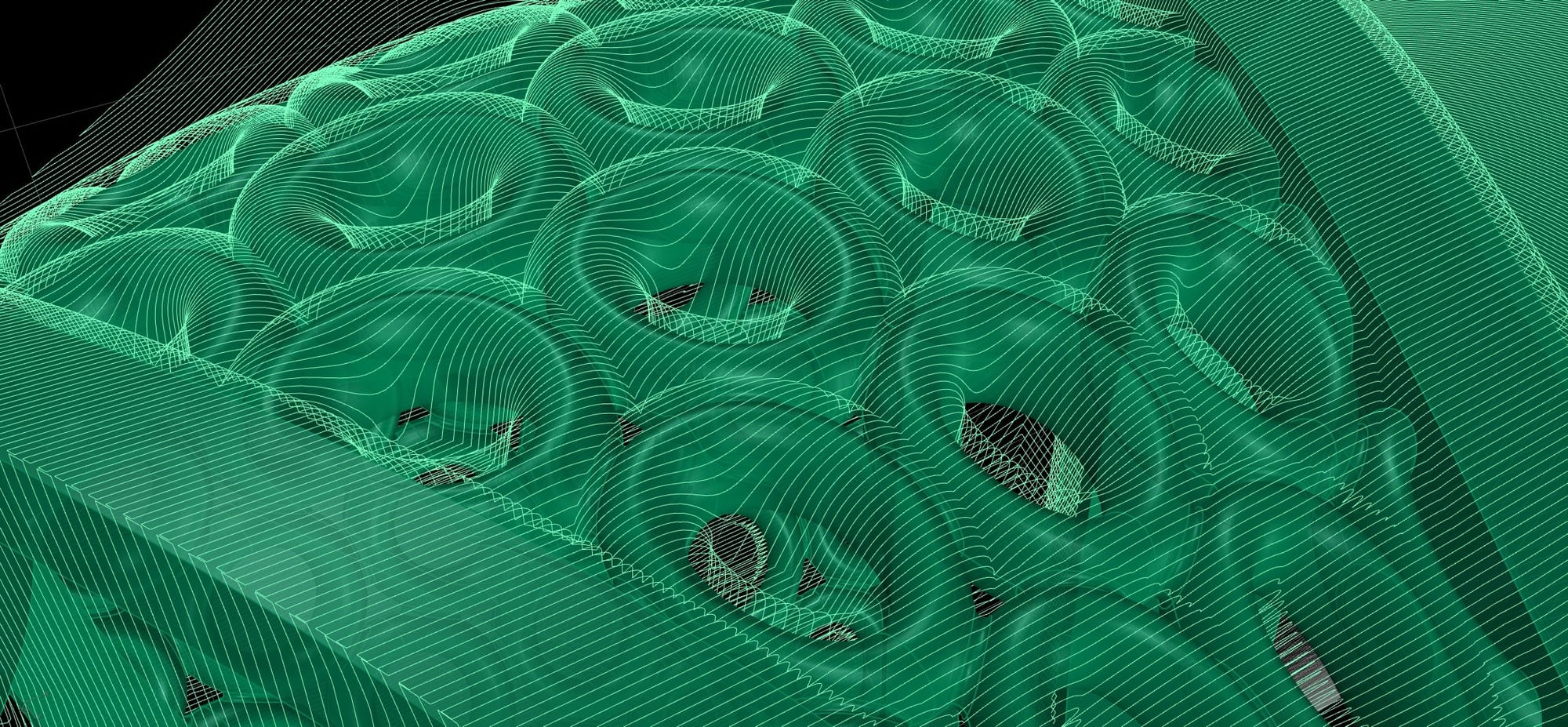
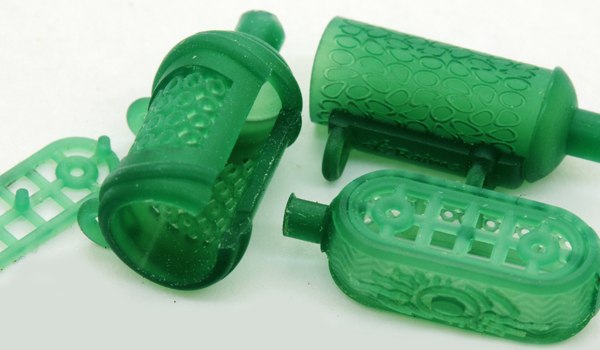
General-purpose CAM was built for mechanical parts - flat stock, prismatic geometry, repeatable features. Jewelry is the opposite: organic curves, compound undercuts, microscopic stone settings, surface quality cast directly to metal. General-purpose CAM handles mechanical parts quickly and jewelry poorly.
JewelryCAM is built for jewelry instead. You orient the model and choose the strategy; it works out the rotary motion, tool orientation, and depth passes. No auxiliary surfaces to build, no G-code to write, no CNC-machining background needed.
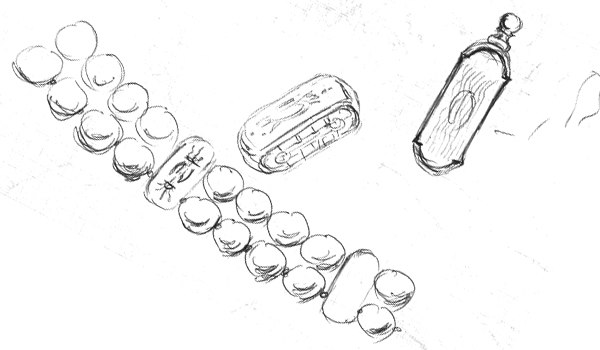
Open your design in Rhino as normal. Because JewelryCAM runs as a native plugin, the model is already present - no export, no import, no geometry loss in a file handoff. Matrix, RhinoGold, and RhinoJewel models are all compatible.
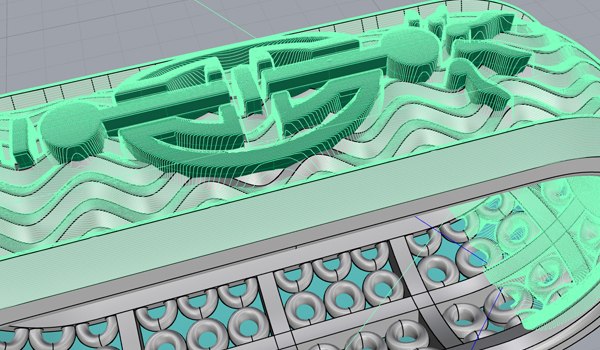
The strategy system encodes the 5-axis knowledge the job requires. Selecting a strategy is the operator’s primary decision; the program handles what follows. No auxiliary surfaces to construct, no tool orientation to specify by hand.
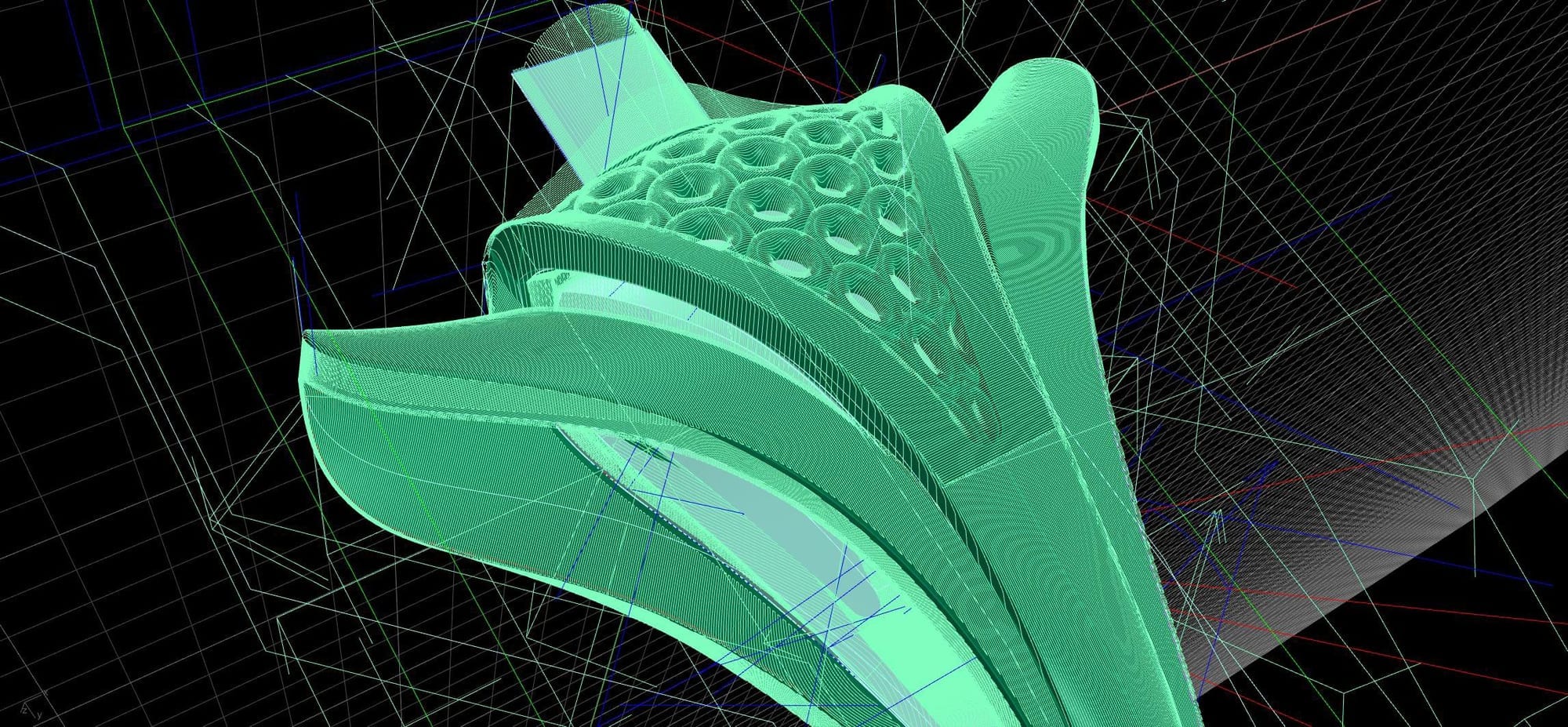
JewelryCAM computes the full 5-axis toolpath - rotary motion, tool orientation, depth passes - on a native C++ engine. The milling file passes directly to NS-Motion, which runs the machine.

A native Rhino 3D plugin, compatible with Matrix, RhinoGold, and RhinoJewel. Core algorithms written in C++ and executed natively - not interpreted. Calculation is fast. Output is deterministic.
Advanced users have access to Rhino's full geometry toolkit for vector-controlled strategies including DriveSurface and Swarf operations.
General-purpose CAM was engineered around mechanical machining. Jewelry - organic curves, compound undercuts, cast-surface finish requirements - sits outside the assumptions those systems were built on.
| JewelryCAMNS CNC | General-purpose CAM | |
|---|---|---|
| Built for | Organic jewelry geometry - curves, undercuts, stone settings | Mechanical parts - flat stock, prismatic geometry |
| 5-axis setup | Automatic - rotary motion and tool orientation calculated | Manual, per operation |
| Auxiliary surfaces | None | Built by the operator to guide tool orientation |
| G-code | None exposed - the milling file goes straight to NS-Motion | Written or post-processed by the operator |
| Operator background | Rhino familiarity - no CNC-machining background needed | CAM expertise required |
General-purpose CAM handles mechanical parts quickly and jewelry poorly. JewelryCAM is the inverse - purpose-built for jewelry, exclusively for the Mira Mill family.
One-click toolpath generation covers production work. For jobs that call for explicit control, JewelryCAM exposes Rhino's full geometry toolkit and a set of vector-controlled strategies - the automatic path and the manual toolkit coexist in the same environment.
Guide tool motion along a user-defined surface for precise control over how the cutter engages compound geometry.
Cut with the side of the tool rather than the tip, driven along a ruled surface - for specific finishing and undercut scenarios.
All toolpaths, automatic or manually directed, run through the same native C++ engine. Output is consistent and repeatable regardless of input complexity.
The first NS CNC 5-axis machines shipped in 2009 with a third-party CAM program - adequate for mechanical parts, slow for jewelry.
In 2011 NS CNC partnered with ModuleWorks, a specialist in 5-axis CAM kernels, to build something new. Four years later, Version 1 shipped. Version 2 followed in 2019 - a fundamental rewrite of the calculation engine, the strategy selection system, and the interface. Version 3 is in active development.
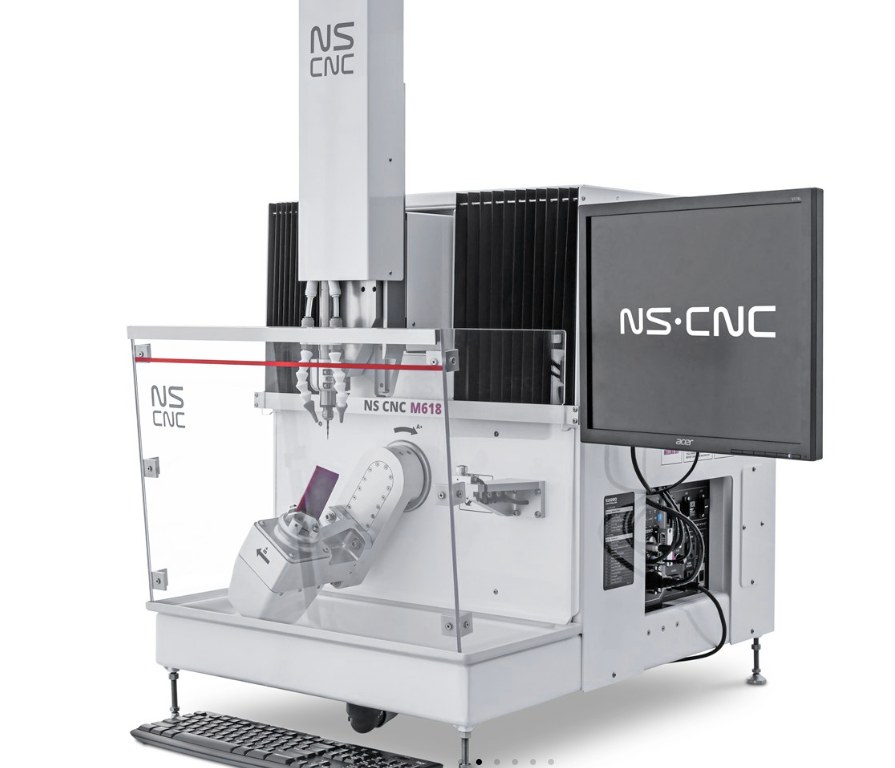
JewelryCAM ships with every Mira 6S purchase and is available as a standalone upgrade for existing NS CNC machine owners. Owners on current support plans receive software updates, including V3 releases, as they become available.
Contact NS CNC to confirm current licensing terms and upgrade pricing for existing owners.
No. JewelryCAM was designed so that bench jewelers and designers with no CNC-machining background can produce correct 5-axis toolpaths. The strategy system encodes the machining knowledge; you set up the job and select a strategy, and the program calculates the rest. Familiarity with Rhino 3D is the only assumed prerequisite.
JewelryCAM is a native Rhino 3D plugin and requires Rhino 7 or later. It is compatible with Matrix, RhinoGold, and RhinoJewel - models built in any of these environments are accessible inside JewelryCAM without an export or conversion step.
No. JewelryCAM was built exclusively for the Mira Mill family and outputs milling files for NS-Motion, NS CNC’s machine control software. It is not a general-purpose CAM program.
No. JewelryCAM ships with every Mira 6S purchase - it is part of the standard software package, not a paid add-on for new machine buyers.
JewelryCAM is available as a standalone software upgrade for existing owners. Contact NS CNC to confirm eligibility and current upgrade pricing for your machine and configuration.
V3 is in active development; feature specifics and release timing are not published in advance. Owners on an active support plan receive software updates, including V3 releases, as they become available.
Ships with every Mira 6S purchase, and is available as a standalone upgrade for existing owners.
Send a Rhino file - Matrix, RhinoGold, or RhinoJewel. We’ll tell you how JewelryCAM would run it.
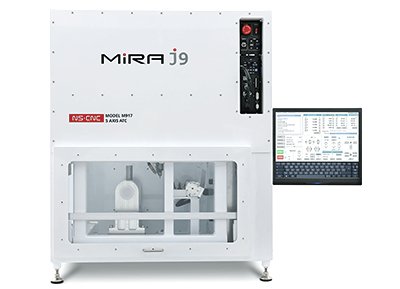
JewelryCAM is built exclusively for the Mira Mill family - see the Mira 6S it ships with.